

Billiards and game hall management
Billiard tables, play areas and the cafe in one program; time, orders and payment come together on one tab.
What it does
A separate rate for each table; different prices by hour, day and zone.
Orders written to a table close together with the session tab; the bill can be split.
Customers order via the QR code at the table; the order appears on the kitchen display.
Cues and similar equipment are assigned to the table and can be charged.
Tables are reserved in advance; conflicting reservations are blocked.
Revenue per table, occupancy heat map and product sales reports are ready.
How a day goes
This is how a typical flow in your venue runs with CtrlZone.
- 1 · OpeningThe table opens from the floor plan in one click; the clock starts.
- 2 · OrderThe waiter or the customer adds the order to the table from the QR menu.
- 3 · TrackingTime and the bill are visible live on the floor plan; long-running sessions trigger a warning.
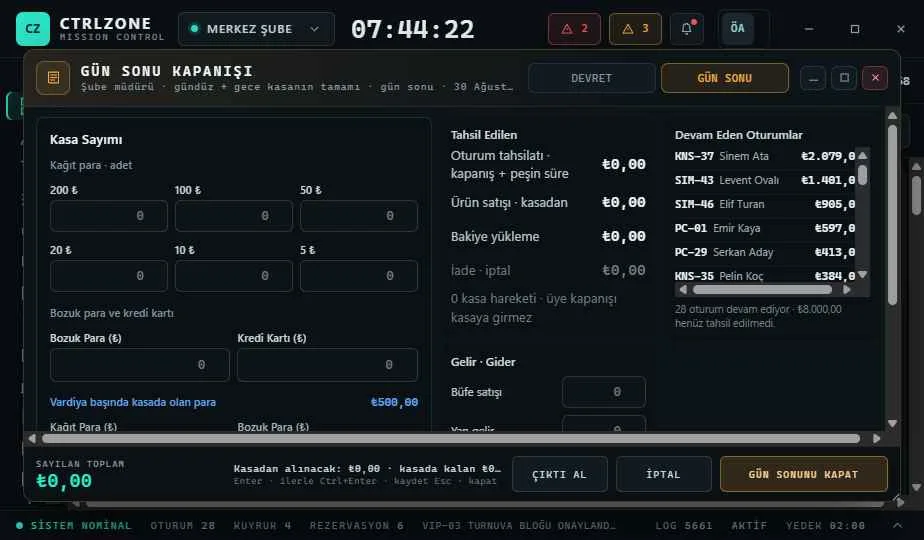
- 4 · ClosingTime and orders are collected on a single tab and posted to the cash book.
Getting started
Download the Setup Assistant; the Setup Guide on first launch walks you through stations, rates and the front desk step by step.